Read-only preflight · v0.1.0
Know who owns the mount before it owns your afternoon.
Compare host ownership, the intended remote user, and Docker or rootless Podman’s ID map—without starting a container or changing a single file.
cargo install --git https://github.com/B-Divyesh/sf-devcontainer-identity-audit
Free and MIT licensed. No telemetry. No daemon.
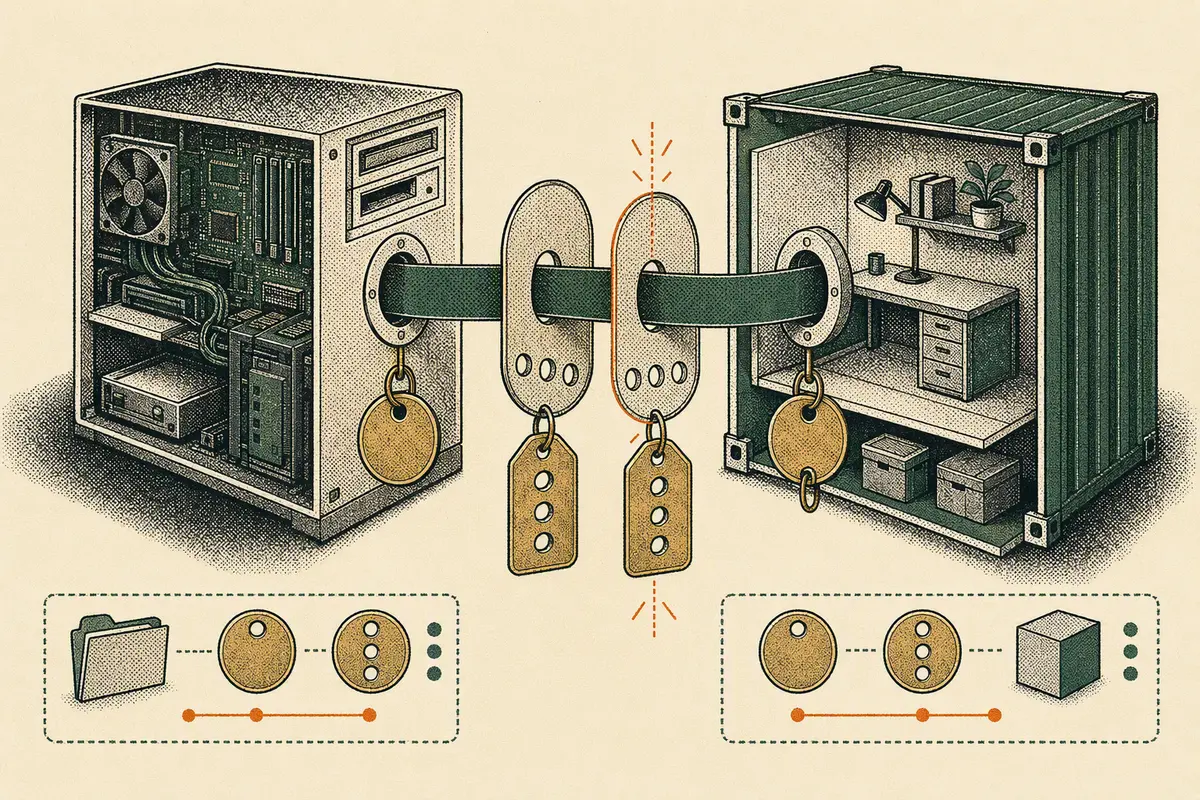
01 / live ledger
Test an identity mapping
This browser model mirrors the CLI’s core POSIX mode check. Nothing entered here leaves the page.
Preflight report
Waiting for an identity
Run the sample mismatch or load the safe example. The report will explain the effective host identity and exact permission branch.
- Container
- —
- Maps to host
- —
- Workspace
- —
- Access
- —
Safe next step
02 / inspection path
Three reads. One honest verdict.
- A
Read config
Find the remote user and workspace bind in JSONC or Compose metadata.
devcontainer.json → compose.yml - B
Read the map
Ask Docker or Podman for runtime metadata and rootless user namespace ranges.
podman unshare … uid_map - C
Read the inode
Compare the effective host UID/GID with owner, group, and other permission bits.
0755 · 1000:1000
03 / runtime adapters
Docker and Podman are separate cases.
The report names the mapping it used. It never treats “container user 1000” as “host user 1000” without evidence.
| Adapter | Identity evidence | What stays untouched |
|---|---|---|
| Docker | Direct Linux UID/GID mapping; image user metadata | Images, containers, host ownership |
| Rootless Podman | Live uid_map/gid_map plus keep-id or host intent | Subuid config, namespaces, bind mount |
04 / put it before open
Fail early in a terminal or CI.
$ mount-identity-audit . --runtime podman
MOUNT IDENTITY AUDIT                         FAIL

remote user   container 1000:1000  host 100999:100999  PASS
workspace     read + write         0755 1000:1000       FAIL

Safe next step: prefer --userns=keep-id.